Choosing a CCTV System for Your Office or Warehouse
How to choose CCTV for an office or warehouse: camera jobs, IP vs analogue, lighting, storage days, PoE and remote viewing, without the usual mistakes.
20 November 20264 min readadmin
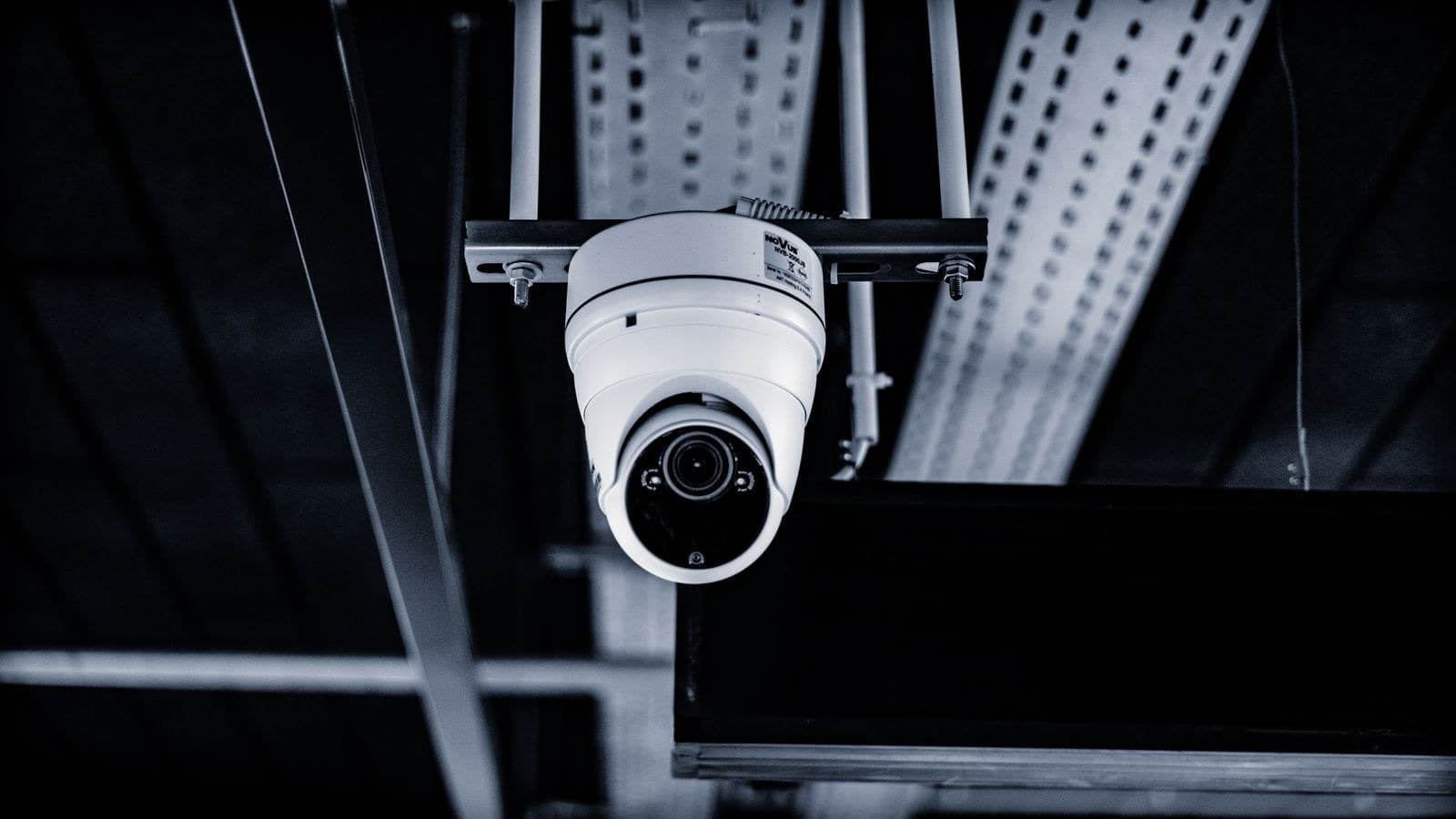
A CCTV system is only worth what it records on the day you need it. Many offices and warehouses buy cameras on price, mount them where the cable was easy to run, and discover during an incident that the picture is too dark, too wide or simply pointing at the wrong door.
This guide walks through how to choose a CCTV system for an office or warehouse, so that you ask the right questions before you buy.
Start with the job each camera must do
Cameras do three different jobs, and each needs a different view:
- Detect: notice that someone is there, such as a wide view of a yard or passage.
- Observe: see what is happening, such as activity at a loading bay or packing table.
- Identify: recognise a face or read a vehicle number plate at the gate.
Write down the areas you care about and the job for each one. A single wide camera cannot do all three. Our post on the four shots every site needs explains the common placements.
IP cameras or analogue?
An IP CCTV system sends video over network cable to a recorder called an NVR. It gives clearer pictures than old analogue systems and makes remote viewing easy. If you are replacing an old analogue system, it is also a good moment to move to IP. Analogue can still make sense when you only need to extend a small existing setup, but it limits your options later.
Match the camera type to the place
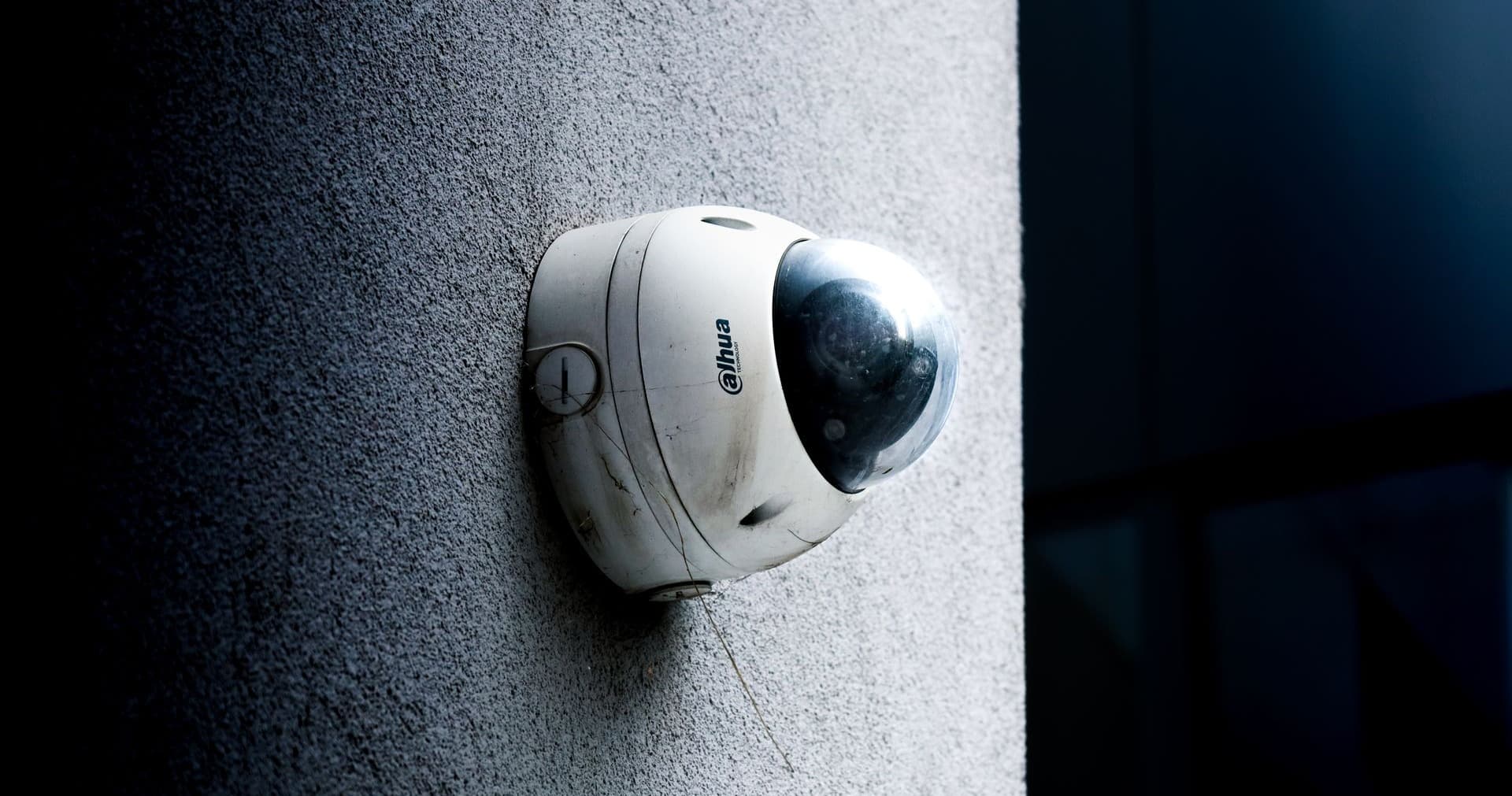
- Dome cameras suit offices, reception and corridors. They are neat and hard to see which way they point.
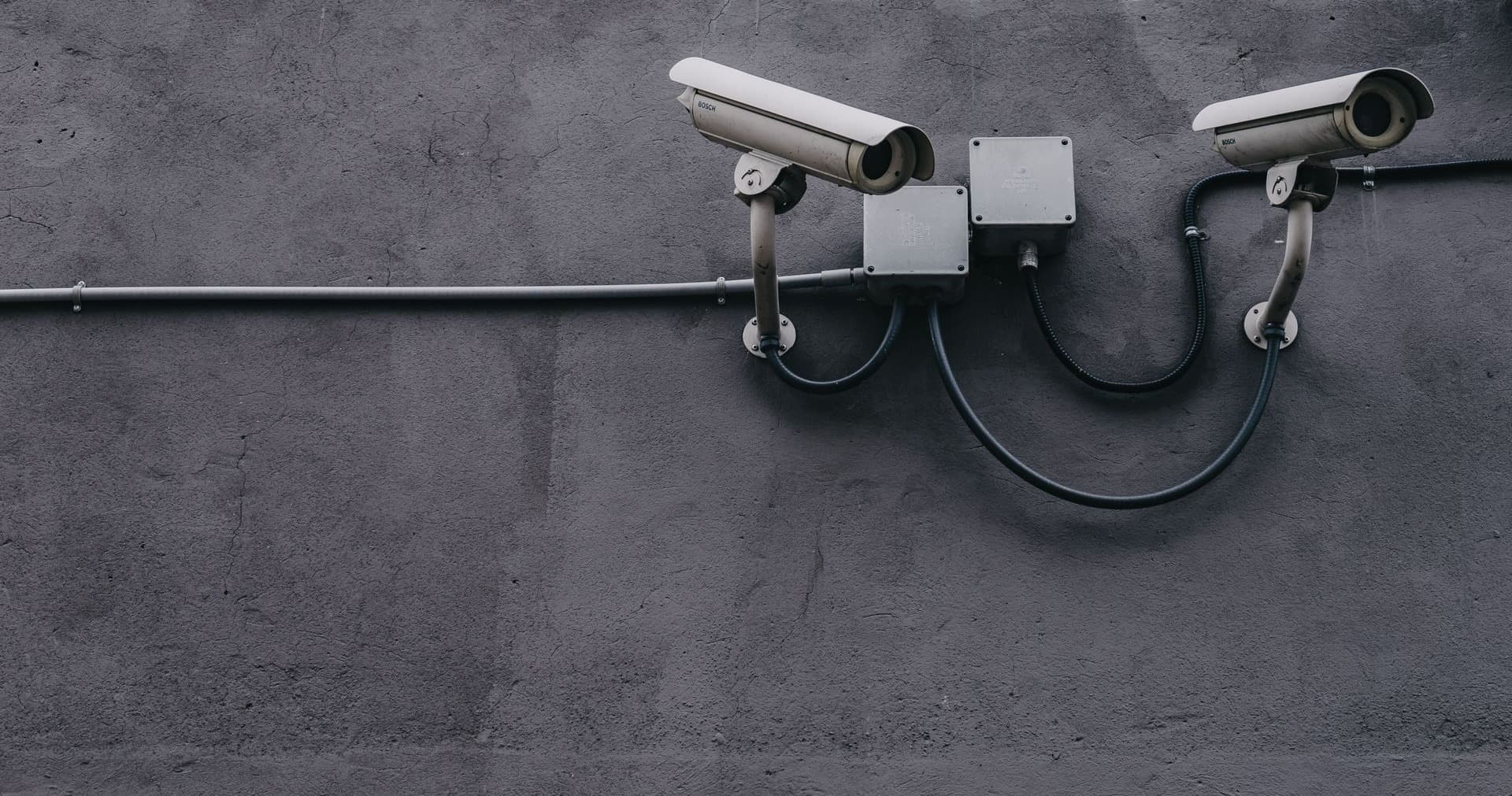
- Bullet cameras suit outdoor walls, gates and parking, and are visible as a deterrent.
- PTZ cameras can pan, tilt and zoom, which helps on large open yards, but they only watch one spot at a time.
For outdoor spots, choose weather-resistant cameras and plan the cable route so that it is protected.
Think about light, not just megapixels
More megapixels do not fix a badly lit scene. Check these instead:
- Night view: most business cameras use infrared at night, but the range is limited. Dark corners of a warehouse may need extra lighting.
- Bright doors and windows: a camera facing a bright shutter or glass door can turn people into silhouettes. Cameras with good handling of bright and dark areas help here.
- Distance: the farther the subject, the narrower the lens you need to see detail.
Warehouse-specific points
- Racking blocks views. Walk the site and check sight lines with racks full, not empty.
- Height matters. High mounting covers more floor but reduces facial detail, so cover loading bays and doors separately at a lower height.
- Dust and heat are tough on cheap cameras, so choose models rated for the conditions.
- Cover the entry and exit points, stock counting areas and the dispatch bay first.
Size the recorder for days, not terabytes
How long the recorder keeps footage depends on the number of cameras, their quality and the storage size. Decide how many days of footage you want, for example for weekends and holidays, and ask for storage sized to that. We discuss this in Recorder storage: buy retention days, not terabytes.
Do not forget cabling, power and the network
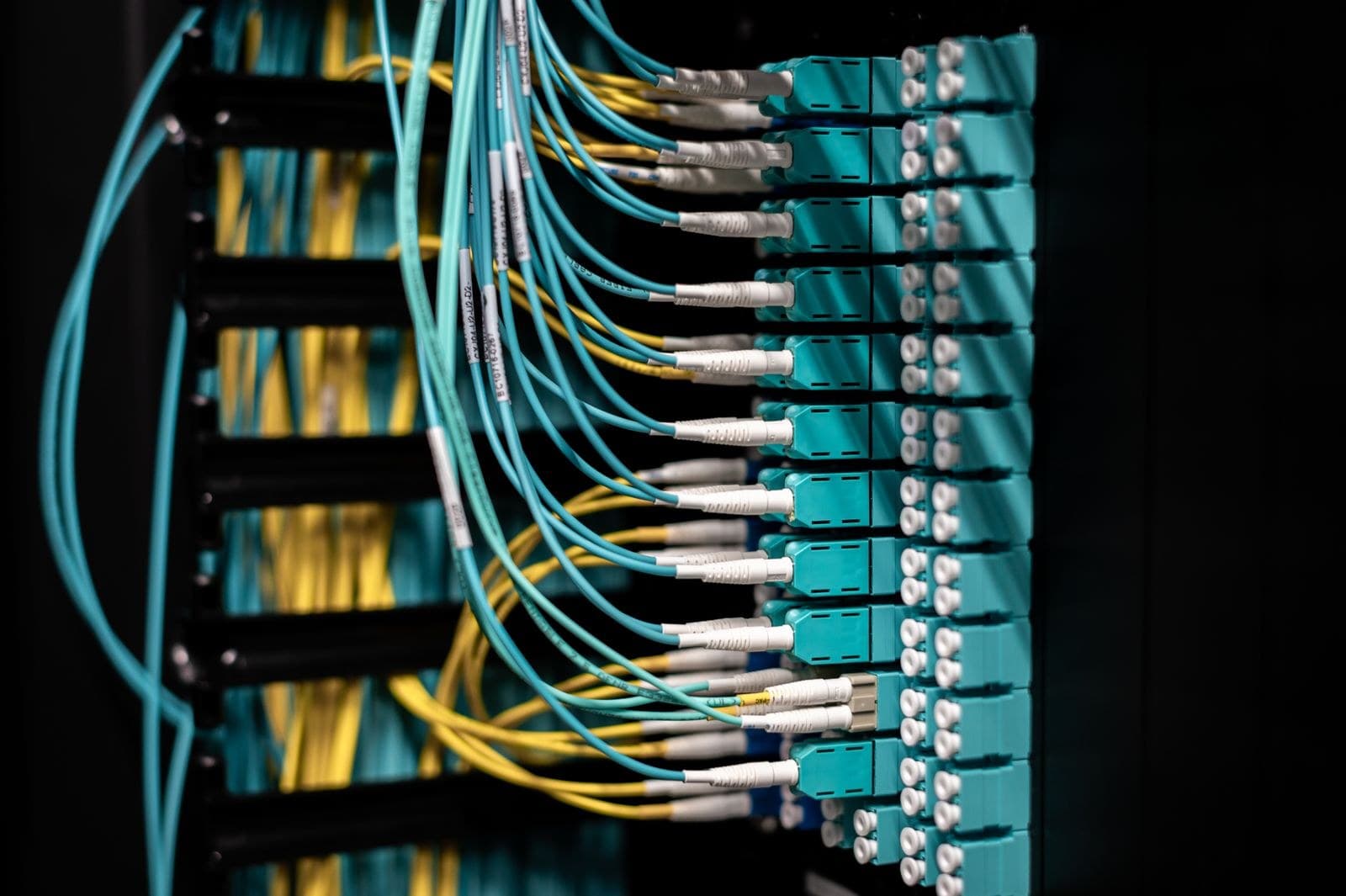
- Cameras are usually powered through the network cable using PoE, so the switch needs enough power budget. See PoE budgets: why the eighth camera fails.
- Put a UPS on the recorder and the switch, so footage does not stop in a power cut.
- Keep cameras on their own network segment, away from the office computers.
Remote viewing and access to footage
You should be able to watch cameras on your phone and computer. The safe way is remote viewing that does not involve opening a port to the internet. Give each user their own login, and limit who can export or delete footage. Display clear signage where cameras operate, and keep the recorder in a locked space.
How TECHNOWARE can help
TECHNOWARE designs and installs CCTV with camera placement planned against sight lines and lighting, NVR storage sized to the retention you need, and remote viewing for your phone. Our CCTV and surveillance solution page explains the approach. On-site installation is available only in Kolkata and West Bengal.
Plan your CCTV with us
Share a rough layout of your office or warehouse and what is prompting the change. Message TECHNOWARE on WhatsApp at +91 98311 00758 or use our contact page, and an engineer will reply within 1 business hour on working days.