Structured Network Cabling for Offices: A Planning Checklist
A ten-point checklist for planning office cabling: points, Cat6 or Cat6A, fibre, rack room, labelling, testing and handover documents.
20 November 20264 min readadmin
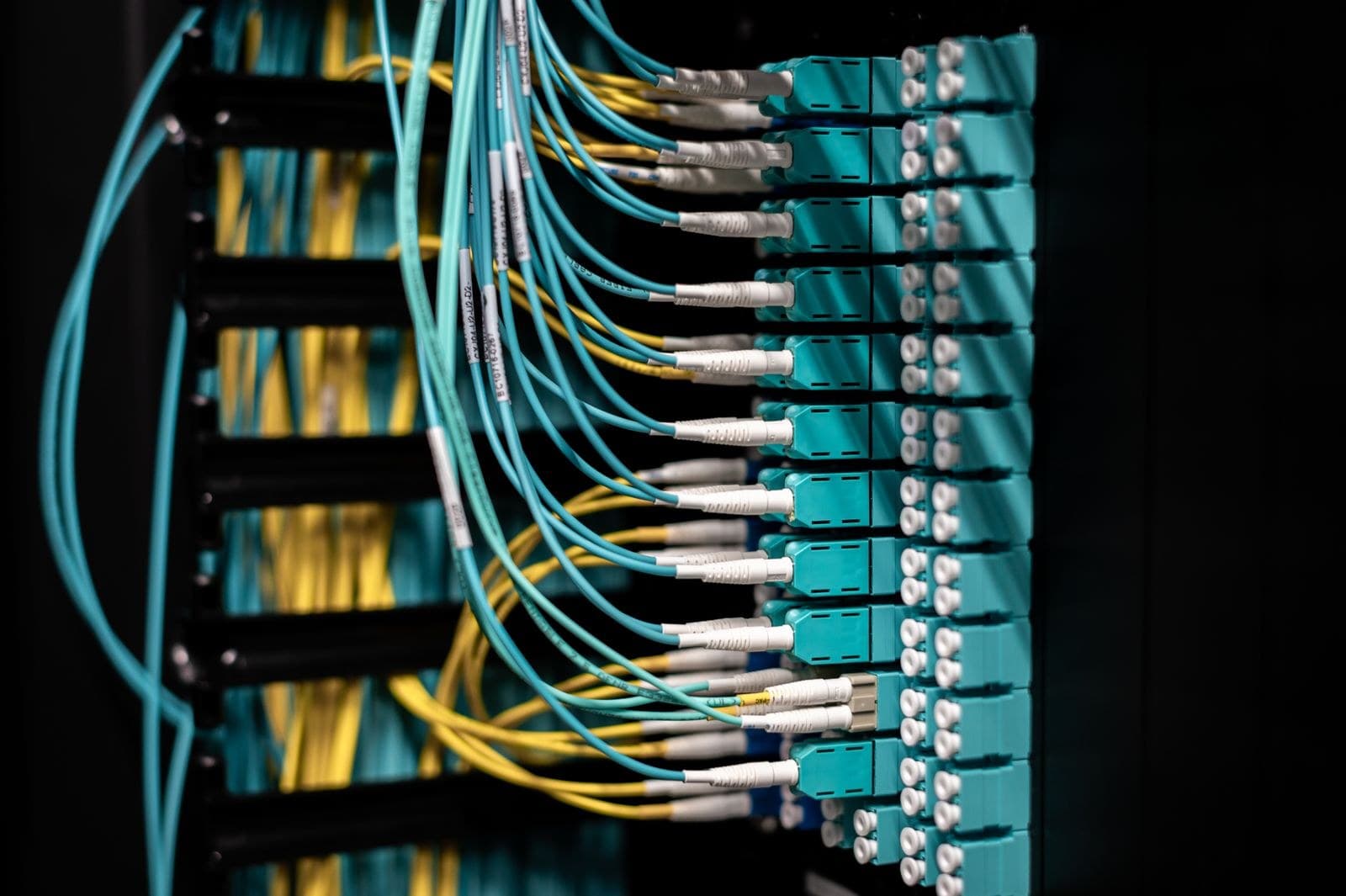
Most office network complaints, such as slow file transfers, dropping Wi-Fi and random disconnections, are blamed on the internet line or the router. In practice, many of them trace back to cabling that was never planned: cables run wherever was easy, nothing labelled, and no record of where anything goes.
Structured cabling is the planned alternative. Cat6, Cat6A or fibre is run to labelled wall points and patch panels, tested, and documented. If you are fitting out a new office, adding a floor or tidying an old one, use this checklist before you speak to any contractor.
1. Start with a floor plan and a headcount
Get a floor plan or even a rough sketch of the premises. Mark every desk, meeting room, reception, store and server corner. This is what the survey and quote will be built on.
2. Count every device, not just desks
A network point is needed for more than computers. List all of these:
- Desktops and docking stations for laptops
- Printers, scanners and biometric or attendance machines
- Wi-Fi access points, usually ceiling mounted
- CCTV cameras and the recorder
- IP phones and video-conferencing units
- Displays, and any future door-access hardware
Then add spare points. Putting in an extra point while the walls are open costs far less than cutting them again later.
3. Choose the cable category on purpose
Cat6 and Cat6A both carry Gigabit traffic, but Cat6A supports 10 Gigabit over longer runs and is better for demanding or future-ready networks. Think about how long the cabling will stay in the walls, usually many years, and not just about today's switches. We explain the trade-off in Why Cat6A when the switches are only gigabit.
4. Keep the run lengths within the standard
For copper, the standard allows up to 90 metres for the fixed cable between the wall outlet and the patch panel, plus short patch cords at each end, for a total of 100 metres. Long or winding routes through large floors may need a second small cabinet or a fibre link. Ask the contractor to show the planned lengths on the drawing.
5. Use fibre where distance or speed needs it
Fibre is the right choice for links between floors, between buildings and between cabinets. It is not affected by electrical noise and has no short length limit of the kind copper has. Ask whether the plan includes fibre for the backbone, even if desks use copper.
6. Plan the rack room and the patch panels
- Pick a cool, lockable spot with enough space to work in front of and behind the rack.
- Make sure there is clean power, ideally with a UPS.
- Leave room in the rack for growth.
- Fit cable managers so that changes later take minutes, not hours. Our post on cable management as a maintenance decision shows why.
7. Route cables safely
Use trays, conduits or trunking and keep data cables away from power cables. Check ceiling access, risers and fire-stop rules in the building. Ask how cables are supported, because loose cables resting on ceiling tiles cause faults over time.
8. Insist on labels and testing
Every cable and port should carry a matching label at both ends, and every run should be tested. Ask for the test results and for as-built drawings at handover. Without them, the next engineer has to guess.
9. Think about PoE and Wi-Fi together
Access points and cameras are usually powered through the network cable using PoE. This means your switch needs a power budget to match. Our guide on PoE budgets covers the numbers to check. A Wi-Fi survey before the ceiling is closed also helps you place points correctly.
10. Plan the work around your office
Ask how the team will keep disturbance low. Noisy tasks such as drilling can be done outside working hours. Agree who gives access to ceilings and the rack room, and when.
What TECHNOWARE does
TECHNOWARE designs and installs structured network cabling in Cat6, Cat6A and fibre, with every cable labelled, every run tested and as-built drawings supplied. On-site cabling is available only in Kolkata and West Bengal. If you are elsewhere in India, we can still help with the network equipment you need.
Plan your office cabling with us
Send us your floor plan and the number of points you need. We will visit, survey and give you a marked-up plan and quote. Message TECHNOWARE on WhatsApp at +91 98311 00758 or visit our contact page.