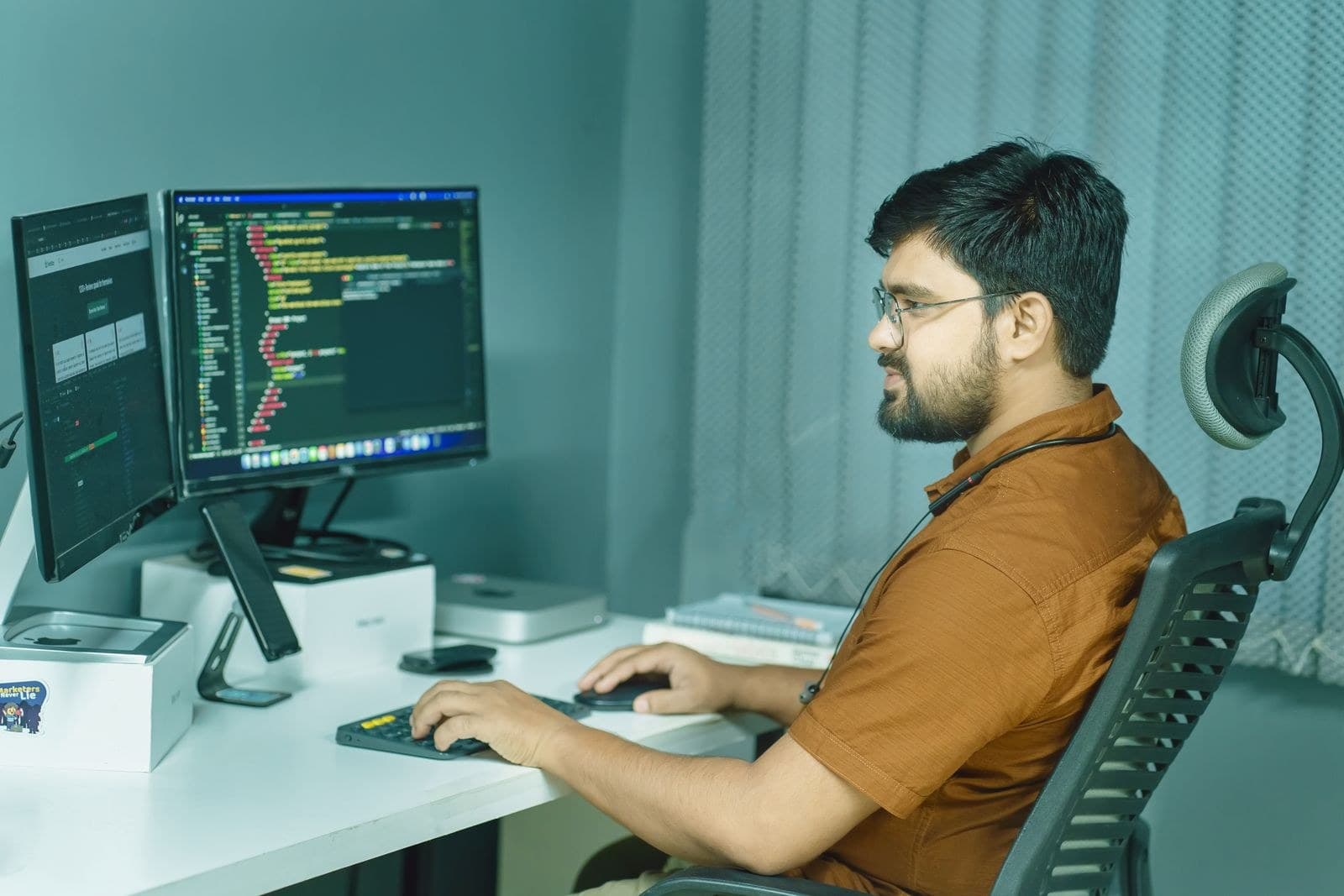
Running TallyPrime from Anywhere: Remote Access Options for Indian Businesses
Four ways to use TallyPrime from home or on the road, from remote desktop to TSplus and a hosted VPS, with the security points to check for each.
20 November 20264 min readadmin
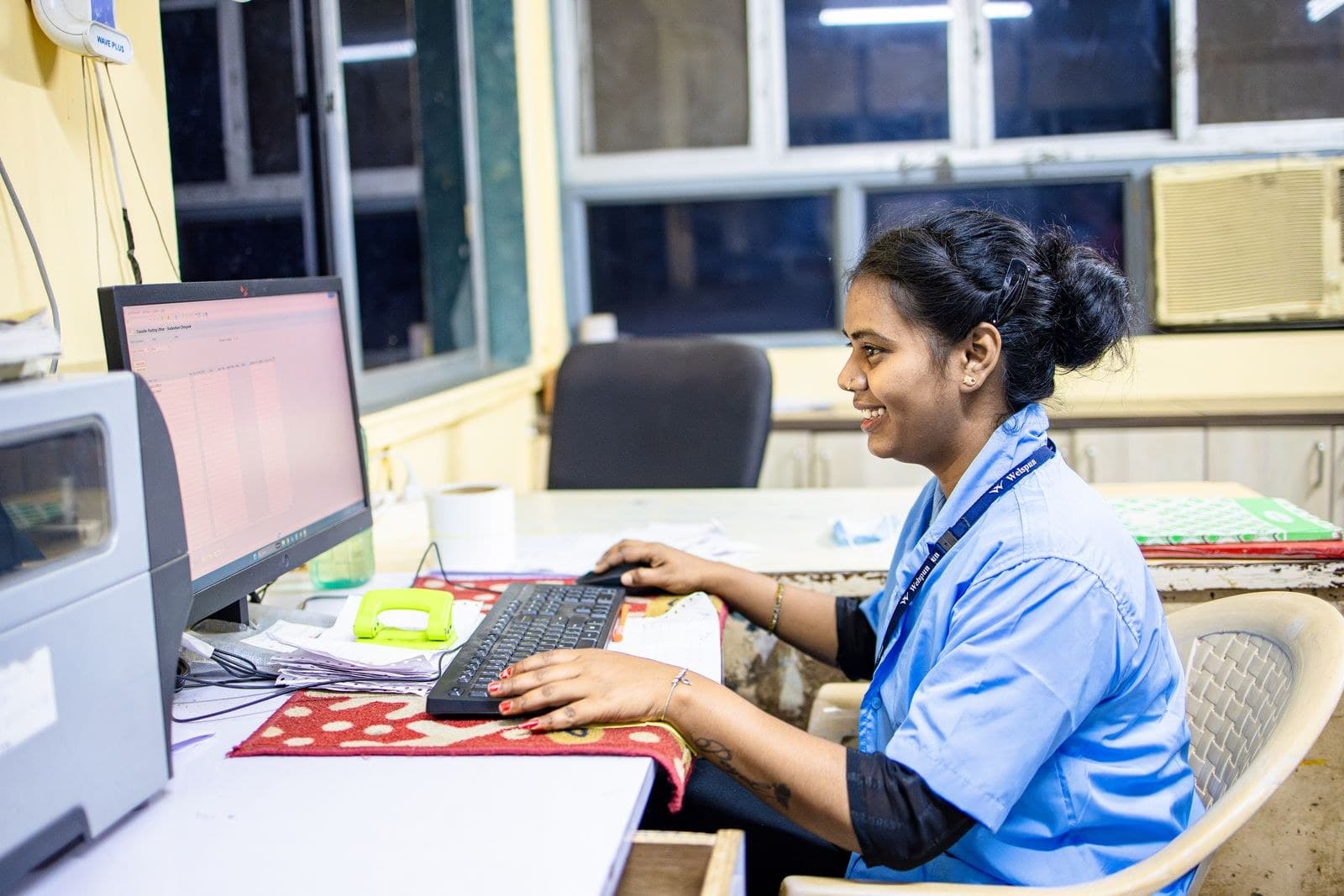
Tally is the heart of accounting in many Indian businesses, and it is usually installed on one PC in one office. That works until the owner is travelling, the accountant needs to finish GST returns from home, or the auditor wants access without visiting. Then the question comes up: how do we run Tally from anywhere without risking our data?
There are four common routes. Each has a place, and each has trade-offs. Here is how to choose.
Before you choose: what does your team actually need?
Answer these questions first, because they decide the right option:
- How many people need Tally at the same time, and from where?
- Do they need only Tally, or also Excel, a billing tool and printing?
- Does your CA or auditor need limited, temporary access?
- How important is it that data never leaves your control?
Remember that TallyPrime comes in two editions: Silver for a single user on one PC, and Gold for several users on a network. The right remote setup depends on which one you hold, so check it before you plan.
Option 1: Share the Tally data folder over the internet (not recommended)
Some offices try to open the data folder over a VPN or a shared drive from home. It looks simple, but Tally data files are sensitive to slow or unstable connections. A dropped link in the middle of saving can leave the company data damaged. Opening file-sharing ports to the internet is also a serious security risk. We do not recommend this route for live accounting data.
Option 2: Remote desktop to an office PC
Here you connect to the office computer that already runs Tally, using a remote desktop tool, and work on it as if you were sitting there.
- Good for: one person, occasional use, a very small budget.
- Watch out for: the office PC must stay switched on, and a power cut or router restart cuts you off. Exposing the standard remote desktop port straight to the internet invites attacks, so it should always sit behind a VPN or a secure gateway.
- Limit: once several people need access, a normal desktop PC becomes hard to manage.
Option 3: A central server with TSplus Remote Access
Instead of using a desktop, you install Tally on a Windows server and give each user their own login. TSplus Remote Access lets your team use Windows applications and full desktops from almost any device. Staff connect with a standard RDP client, the RemoteApp client, or a web browser using the HTML5 portal, and Tally appears as if it were installed on their own computer.
- Good for: several users, branch offices, accountants working from home, and staff who use phones or tablets.
- Useful extras: you can publish only Tally rather than the whole desktop, print from the remote session to a local printer, and add two-factor authentication through TSplus security add-ons.
- Watch out for: the server must be sized for your users, backed up, and kept up to date. It also depends on your office internet staying stable.
Option 4: Tally on a hosted Windows VPS
This is Option 3 without the server in your office. Tally and TSplus run on a Windows VPS in a data centre, so there is no dependence on your office power or broadband. TECHNOWARE can host Tally on a Windows VPS and set up TSplus so your team can work from anywhere in India. Tally also offers its own cloud service, and we will advise which route suits you.
- Good for: teams spread across cities, businesses that do not want to maintain a server, and offices with unreliable power or internet.
- Watch out for: you still need good backups and clear rules on who can log in.
Security checklist for any remote Tally setup
- Give every person a separate login. Never share one password.
- Turn on two-factor authentication. Our guide on rolling out two-factor authentication explains how to make it stick.
- Do not expose the remote desktop port directly to the internet.
- Keep Windows and Tally updated, including statutory updates.
- Back up the Tally data every day, with at least one copy offsite. See our cloud backup guide.
- Remove access the same day a person leaves or a temporary auditor finishes.
Which option should you pick?
As a rule of thumb: for one person who needs Tally only now and then, a protected remote desktop may do. For a growing team, a TSplus server or a hosted VPS is the safer, tidier choice. If the main reason is that your server room is unreliable, the VPS usually wins. Whichever way you go, GST e-invoicing and e-way bills need an internet connection anyway, so plan for a stable link at every location.
Get your Tally ready for remote work
Tell us how many users you have and where they work, and we will suggest the simplest safe setup. Message TECHNOWARE on WhatsApp at +91 98311 00758 or visit our contact page. We reply within 1 business hour on working days.