Cloud Backup for Small Businesses in India: Beyond the USB Drive
Why a USB drive and one server are not a backup, how the 3-2-1 rule works, and how to set up and test cloud backup with BigMind for your office.
20 November 20264 min readadmin

If your company's accounts, quotations and customer files sit on a few office PCs and one server, you are one bad day away from a very long week. A power surge, a stolen laptop, a failed disk or a ransomware message on the screen can all wipe out years of work. A cloud backup is the simplest way to make sure a copy survives, because it sits somewhere other than your office.
This guide explains how a small Indian business can set up cloud backup sensibly, what to back up first, and how to check that it really works.
Why a USB drive and one server are not enough
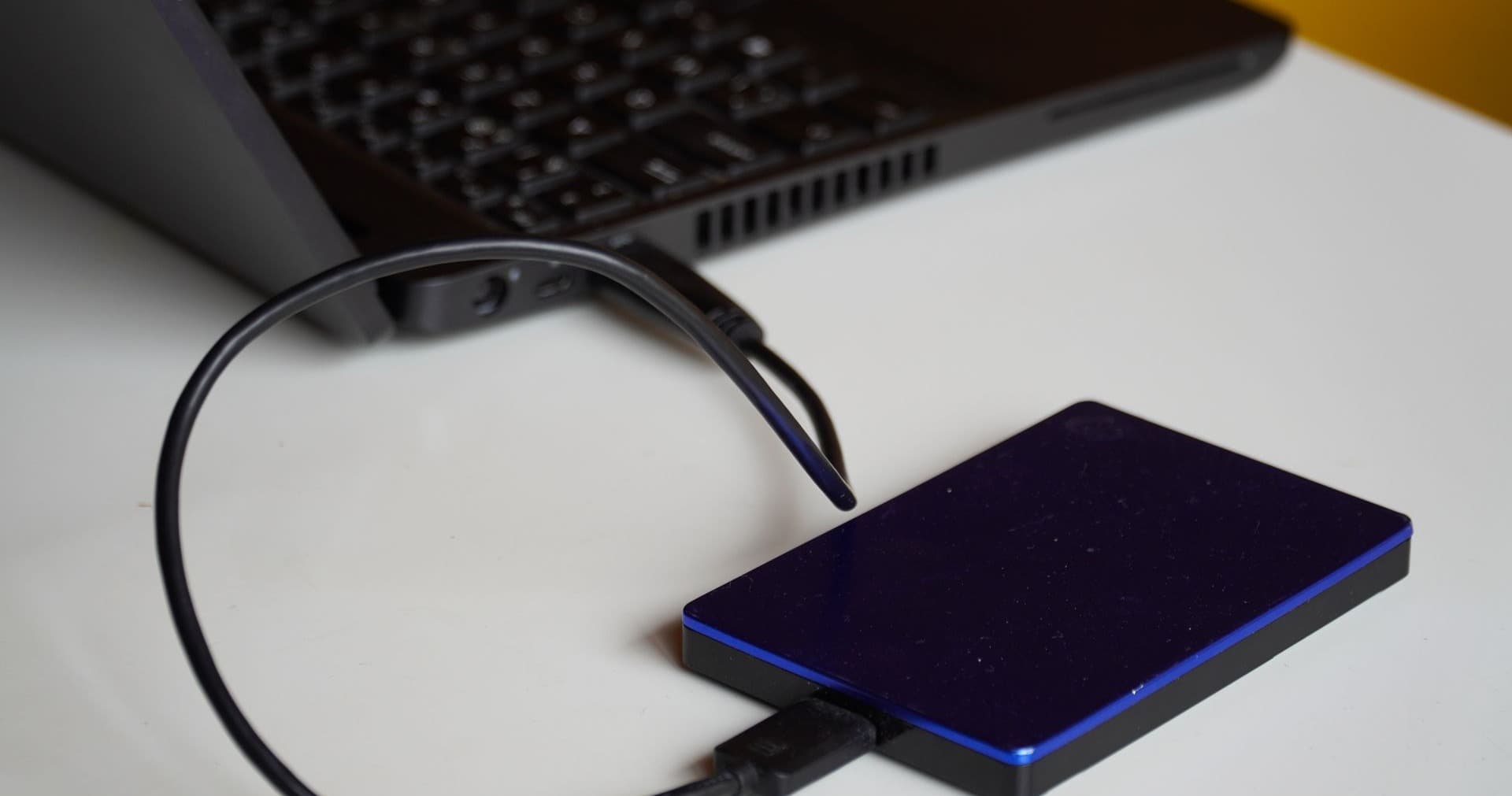
Many small offices still depend on an external hard disk that someone plugs in on Fridays, or on a second copy kept on the same server. Both have the same weakness: the backup lives in the same building, and often on the same network, as the original.
- Fire, theft and waterlogging damage the office and the backup disk together.
- Ransomware reaches any drive that is connected to the infected computer, including mapped network folders.
- People forget. A manual backup usually stops silently.
- Disks fail. A RAID array protects you from one dead disk, not from deletion or encryption. We covered this in RAID is not a backup.
The 3-2-1 rule, in plain words
The 3-2-1 rule is an easy way to plan any backup:
- 3 copies of your data: the working copy plus two backups.
- 2 different types of storage, for example the office server and a cloud service.
- 1 copy offsite, away from your premises.
Cloud backup covers the offsite part cleanly. For a look at how the rule works out for a small office, read Three, two, one and what it actually costs.
What to back up first
You do not need to protect everything on day one. Start with what would hurt most if it disappeared tomorrow:
1. Accounting data
If you use Tally, its data folder is the most important thing on your network. Back it up daily, and keep earlier versions so you can go back if an entry is corrupted.
2. Shared folders and the server
Quotations, drawings, customer records, scanned documents and HR files usually live on a file server or NAS. Back up the whole share, not only recent files.
3. Laptops of key staff
Directors, accountants and sales staff often keep working files on their own laptops. A stolen or damaged laptop should not mean lost work.
4. Email and cloud storage
Google Drive and similar services are not backups by themselves. If someone deletes a folder or an account is compromised, you want an independent copy.
How BigMind cloud backup fits
BigMind Cloud Backup (from Genie9) is business backup software that copies files, PCs, servers and full system images to encrypted offsite storage. Based on what the vendor lists, it supports Windows, macOS and Linux computers, Windows and Linux servers (including SQL), and can also back up cloud storage such as Google Drive and Dropbox. Data is protected with AES-256 encryption.
Two features matter for ransomware. Versioning lets you restore an earlier copy of a file, and the Ransomware Canary checks decoy files before each backup. If one changes, backups freeze at the last clean copy and you get an alert. Together these protect your good copy from being overwritten by encrypted files.
Ask where your data will be stored. The vendor currently lists data centres in the US, UK and Europe, and TECHNOWARE confirms the current regions with you before you buy. If your customers or your industry expect data to stay within India, raise it at the start.
Practical points for Indian offices
- Plan the first upload. The first full backup is the biggest. On a typical office broadband line it can take days, so start it over a weekend and let later backups send only the changes.
- Schedule around working hours. Run backups at night so that Tally, billing and email are not slowed down during the day.
- Protect the power too. Backups only run if the server stays on. A UPS on the server and router gives a clean shutdown during power cuts.
- Name an owner. One person should receive the backup report and act on failures.
Test the restore, not just the backup
A backup nobody has restored is only a hope. Once a quarter, pick a few files and one folder, restore them to a different location, and open them. Once a year, rehearse restoring a whole machine. Note how long it took, because that is what a bad day will cost you.
TECHNOWARE sets up BigMind remotely anywhere in India, or on site in Kolkata and West Bengal. We schedule the jobs, run restore tests and check the reports as part of support. The wider process is described on our backup and recovery solution page.
Talk to us about your backup
Not sure what your current backup would really recover? Message TECHNOWARE on WhatsApp at +91 98311 00758 or use our contact page. We reply within 1 business hour on working days.